Quick Panel Manager
Build your
shortcuts,
your way.
Create, configure, and organize — Alt+F1 from anywhere in Blender.
→Create unlimited Quick Panels
→Assign any keyboard shortcut
→Standard, Pie Menu, or Grouped display
→Adjust popup width: Small / Medium / Large
→Enable or disable panels without deleting
Alt+F1
from anywhere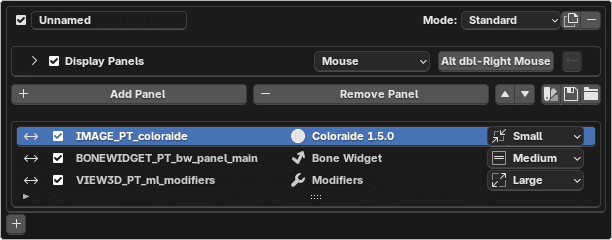
Panel Browser & Search
Find any panel.
Just type.
Browse by category or search by name — instant access to 600+ Blender panels.
600+Blender panels indexed
Panel Browser — browse by category
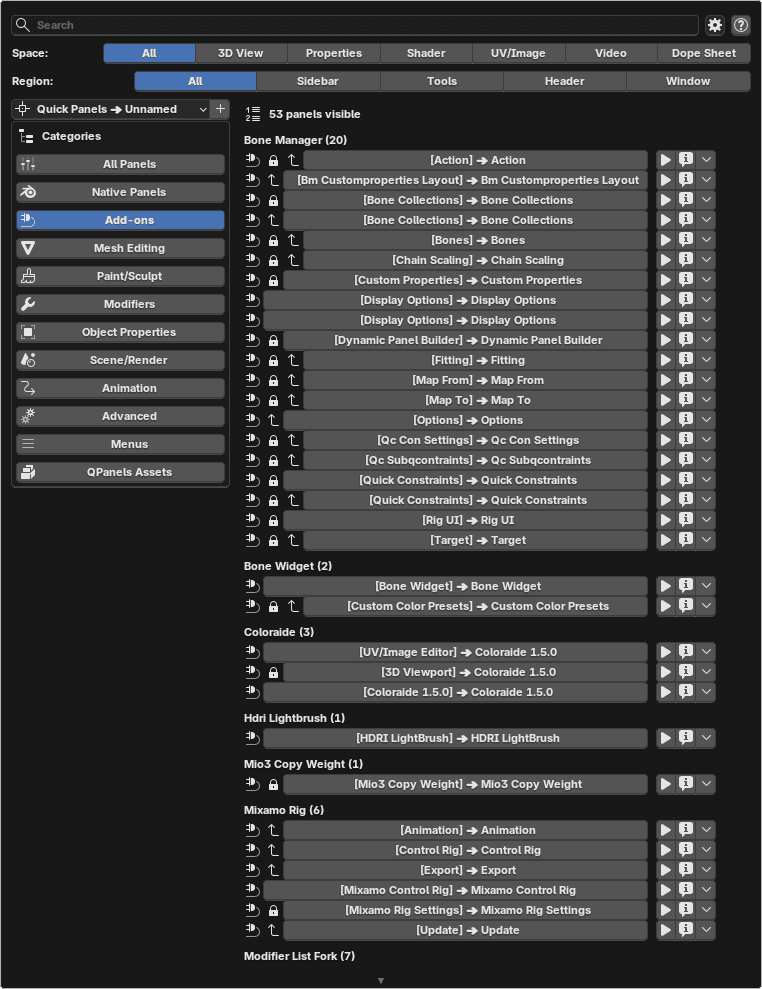
Search — type to jump anywhere
+ Image
Browse
Filter by Mesh, Modifiers, Add-ons, Scene — 12 categories, tout organisé.
Search
Tape quelques lettres, jump instantanément vers n'importe quel panel.
Pin
Trouvé ce qu'il faut ? Ajoute-le à ton Quick Panel en un clic.
3D View
Shader
UV/Image
Properties
Dope Sheet
Works in every editor · Updates automatically
Display Modes
4 ways to access your panels
Choose per-shortcut. Change anytime.
Most used
Mode 01
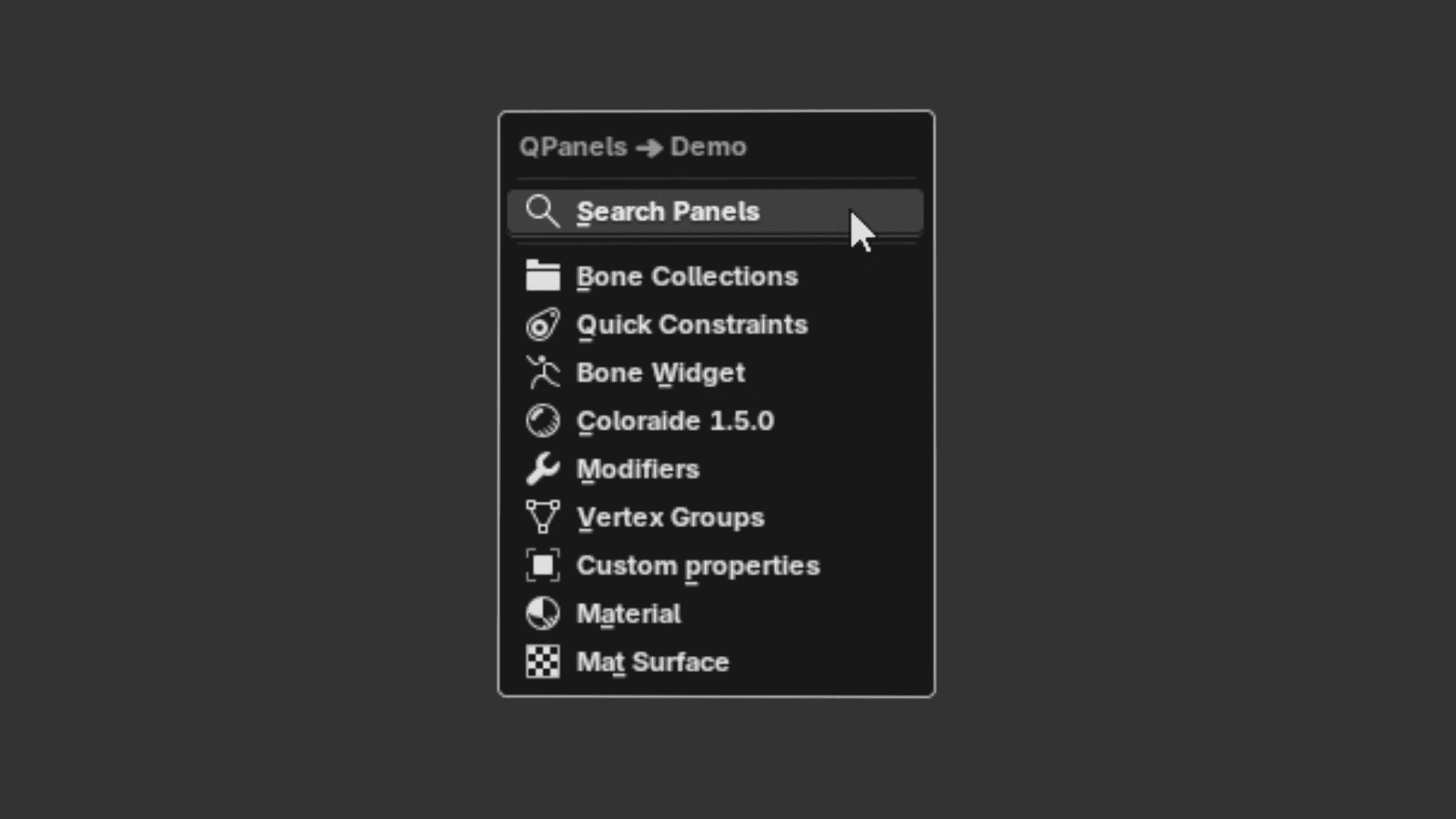
Standard Popup
Floating panel at your cursor.
Includes Panel Search — find any panel instantly by name.
Mode 02
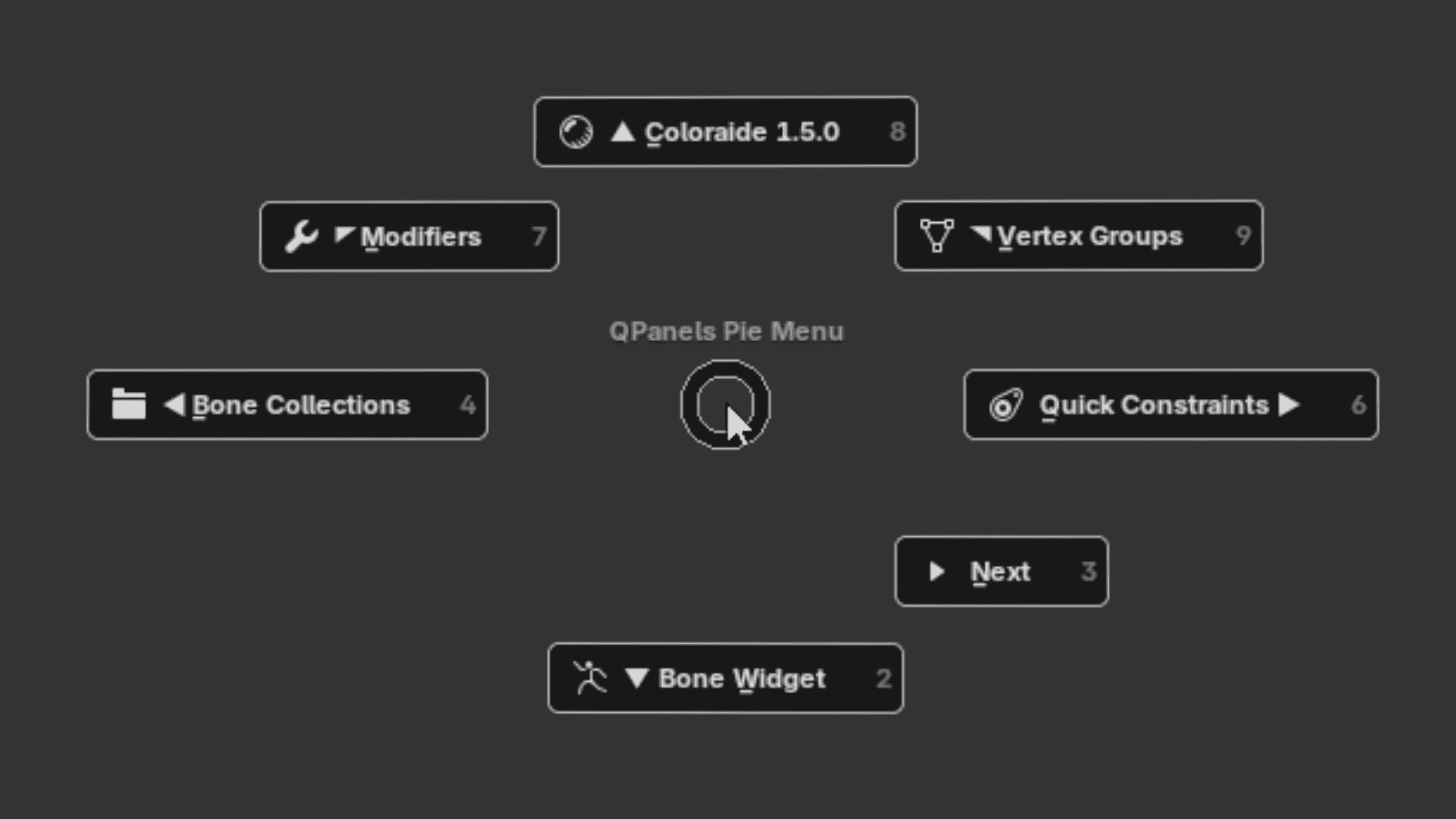
Pie Menu
Panels arranged radially around your cursor. All options visible at once.
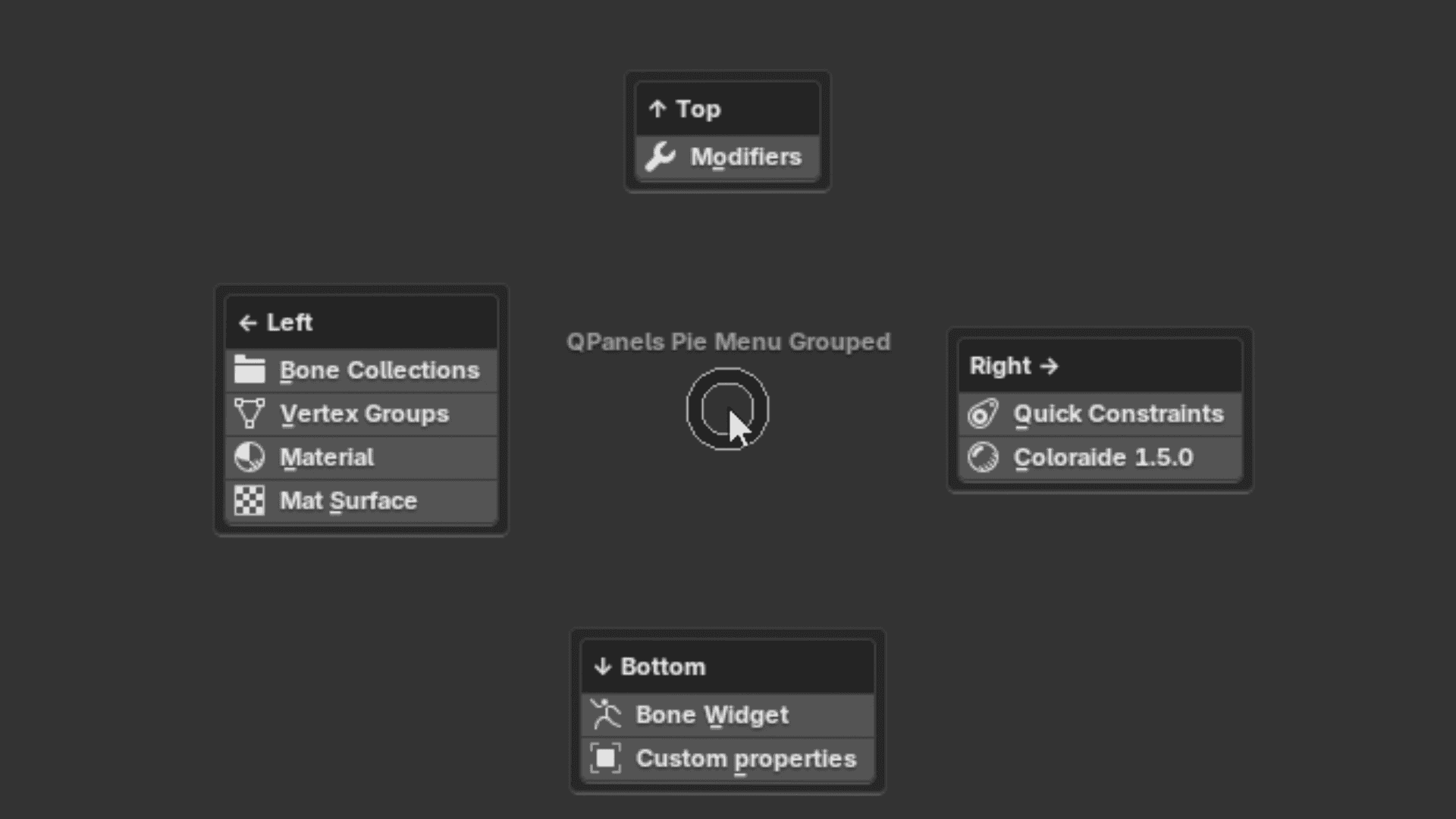
Mode 03
Grouped
Panels grouped inside pie slices. Enable Auto-Open to launch directly on selection.
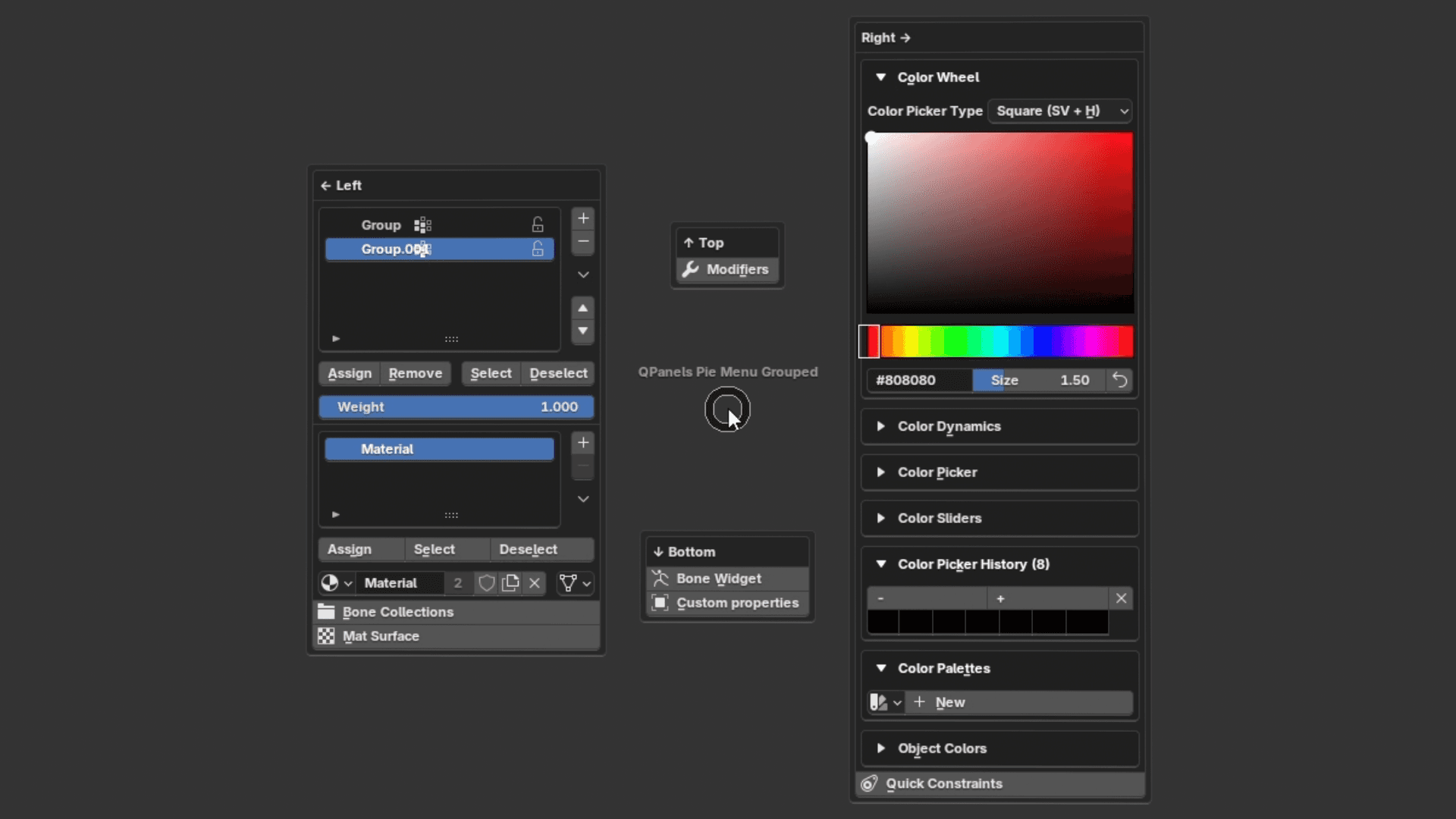
Mode 04
Grouped Auto-Open
Like Grouped — with Auto-Open activated. Panel launches instantly on hover.
Each Quick Panel can use a different mode — mix and match freely